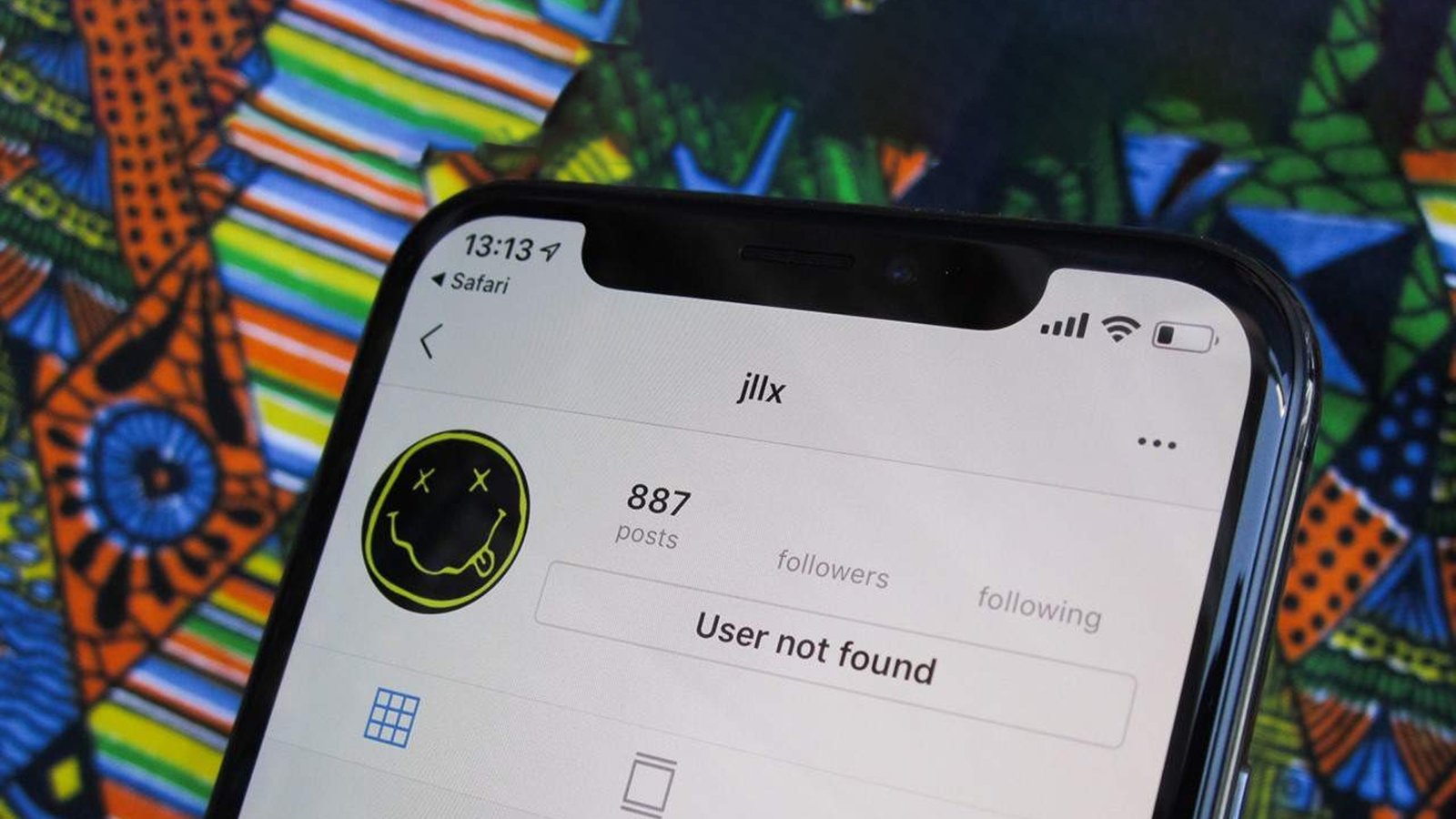
Have you encountered the error message “User not found” on Instagram when trying to log in to your account? Has this error message popped up when you are trying to look for someone? Now you are wondering, what does it mean, “user not found” on Instagram? And now you are looking for the reason and solution, how to fix this error message.
If you are looking for the answer to these questions, then you are on the right page.
Instagram is the social media platform where you connect with known and unknown people.
If you are trying to look for someone by writing their username or when you DM them, Unfortunately, you cannot interact or connect with them, and you get the error message ‘User not found’. This error message doesn’t mean that you must have been blocked. Many reasons cause this situation.
In this article, we clarify the relative queries.
What Does It Mean To “User Not Found” On Instagram?
There are different situations when you get this error message, and you cannot even comprehend what it means, Although you can see their bio, posts, and even DM them.
1. When you visit the user’s profile, there will be no profile picture and an error message will appear.
2. When you can see posts of the user, but also there is an error message, then you are actually blocked by the user.
But there is an issue with the Instagram algorithm that causes you to be able to see the posts. It will be correct automatically when you restart the app.
3. You see the error message, but you can DM them. Actually, those messages will not be received by the user.
4. The error in the algorithm is the reason that shows you the user’s bio even if you got the error message of the user not found.
Why User Not Found on Instagram? And How To Fix It?
Before finding the reason, confirm that the Instagram application version you are using is the updated version. Most of the time, the old version causes the user not to be found.
Make sure you have written the correct username with accurate spelling.
Reasons:
The following reasons can help you to find the exact problem of getting the error notification.
1. The User Changed The Username:
The Instagram platform allows its user to change their name whenever they want, but it depends on the username availability.
You get this error message when the user switched from his old username to a new one, and you are looking for them based on their old username. According to Instagram, the username you are looking for no longer exists.
How To Fix it?
Check out their profile information or any profile update on other social media platforms.
Search for their new username through mutual friends or followers.
You can also ask them for their new username through other social media platforms like Twitter, Snapchat, and Facebook.
You can open the chats with the users, and you will get the updated profile information. If there is an error message when you open the chat, then you must be blocked by the user.
2. The Targeted User Blocked You:
You cannot see the targeted user profile when they block you. Their profile can appear in recent searches, but you cannot access them and get the error message.
Unless you have DM them before or their account is already present in your recent searches, You cannot find their Instagram profile in the recent searches when you type their username.
When a user blocks you at the time when you were chatting with them, You can catch a glimpse of the user profile via the chat page, but you will see the error message when you visit their profile through messages.
How to Fix It?
For confirming whether the user really blocked you or not, If their profile is visible to mutual friends and followers, then it is a certain situation that you have been blocked.
3. The User Has Permanently Deleted Their Account:
When a user deleted their account, their profile, and all over the content like; posts, likes, followers, etc become deleted. Their account will also not appear in the mutual friends’ or followers’ lists.
How to Fix It?
You can confirm it by checking out their profile from the other accounts. If you also see the same error message from the other accounts, then it is confirmed their account has been deleted permanently.
4. The User Account Is Suspended:
Instagram is a popular social media platform with strict policies and terms that pay keen attention to community standard norms. If anyone violates them then they will get suspended, in addition, their account will be deleted or banned.
When the user does not follow the community guidelines, their account can get suspended. The suspended account will not be accessible by anyone, and you will get an error message when you visit their profile.
How to Fix It?
In this situation, you cannot do anything if the user is confident that he does not violate any rules, then he can ask for an appeal.
5. The User Account Is Disabled:
Sometimes users want to temporarily stay away from social media and disable their accounts for a period. When their account is disabled, the audience cannot see their profile or posts, moreover, their engagement on the account will also become camouflaged. Their account will not be visible in the search results and the followers’ list.
How to Fix It?
The result in permanent and temporary disabled accounts is the same. You can not distinguish whether the account deletion was permanent or temporary.
You can only confirm it when the user reactivates their account.
How To Fix “User not found” When Logging Into Instagram?
When you are trying to log in to your Instagram account, and you find an error message “User not found” check out the following solution, one of them might be the solution to your problem.
1. Recheck The Username And Password:
The foremost thing you need to do is make sure that you have put in the correct username and password. Confirm that you entered the special character, capital or small letters, etc, if you have them in the username.
Put the correct password, if you have forgotten the password. To get it back, your email account must be connected to the Instagram account.
If you have no recollection of your password, click on the forgot password.
Follow the written instructions, enter the required information, and enter the new password.
2. Restart The Phone:
If there is any issue or bug simply restart the phone and it will fix automatically. After restarting, try to log in to your Instagram account.
3. Update The App:
Using the updated version of Instagram will help you to fix the bug automatically as compared to the older version.
4. Clear Cache Files:
Clear the cache memory if it does not work, then clear the data it would be like reinstalling the app.
Clearing the files or data can also resolve the problem.
5. Check Instagram Server:
Occasionally the Instagram platform becomes overloaded with millions of users, and its server becomes down for a time.
Check the browser and app version on a different device. You can ask your friends whether they are also facing the same situation. If you confirm it is the server issue, then you can wait to get resolved by Instagram.
6. Log In Via Facebook:
To avoid the user not finding an error message, you can log in to Instagram via Facebook. The thing you need to do is link your Instagram account with your Facebook account. If any error pop-up, you can log in with Facebook.
Final Thoughts:
The error message “User not found” on Instagram does not tell you an exact reason. There are many causes that you encounter with this error message. For this, you need to find a reason and its solution yourself.
In this article, we mentioned the reasons and their possible solution. You need to check what is the exact reason that is the culprit of the error message.
Do you find the answer to your question? Is this article helpful for you? If there is any problem related to this topic, you can tell us in the comment section.